Magnet
How to download torrents on Android: the beginner guide
Short answer: install a torrent app, then open a magnet link or a .torrent file with it. The app downloads the file from other people who have it, and saves it in your phone's Download folder. It takes about a minute to set up, and nothing else is needed: no computer, no account.
1. What a torrent is, in one minute
A normal download comes from one server. A torrent comes from other people who have the same file, a small piece from each, at the same time. That's why big files (Linux systems, open films, game updates, archives) are often shared this way: nobody has to pay for one huge server.
- Seeds have the whole file and are sharing it.
- Peers are downloading it, like you, and share the parts they already have.
- More seeds usually means a faster download. A torrent with 0 seeds may never finish.
2. Get a torrent app
Android can't open torrents by itself. Install a torrent app from Google Play: Magnet (ours), Flud, LibreTorrent and others all work. There's an honest side-by-side in the best torrent apps for Android.
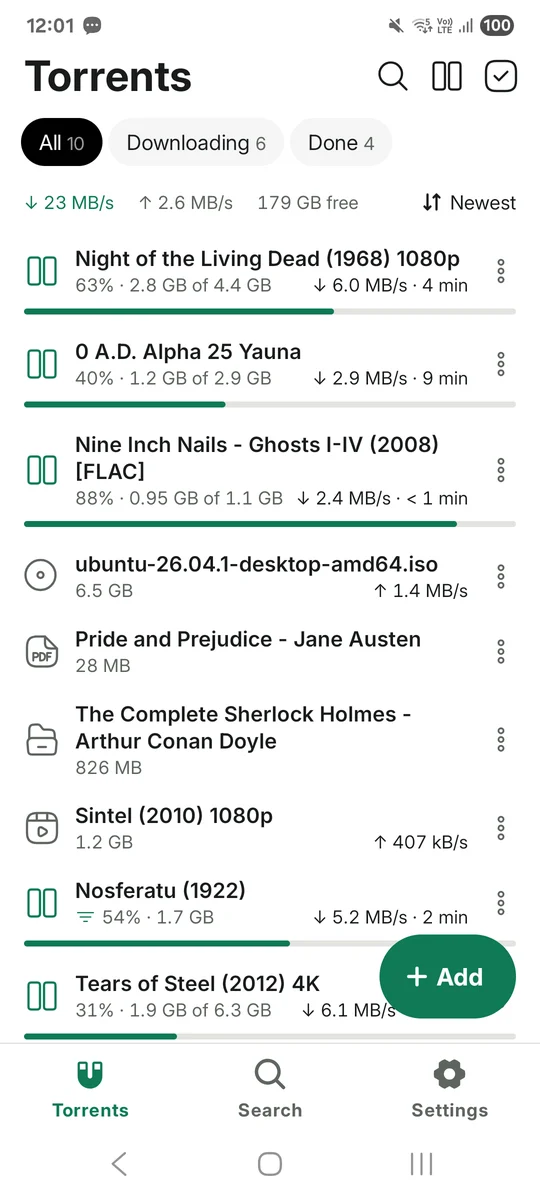
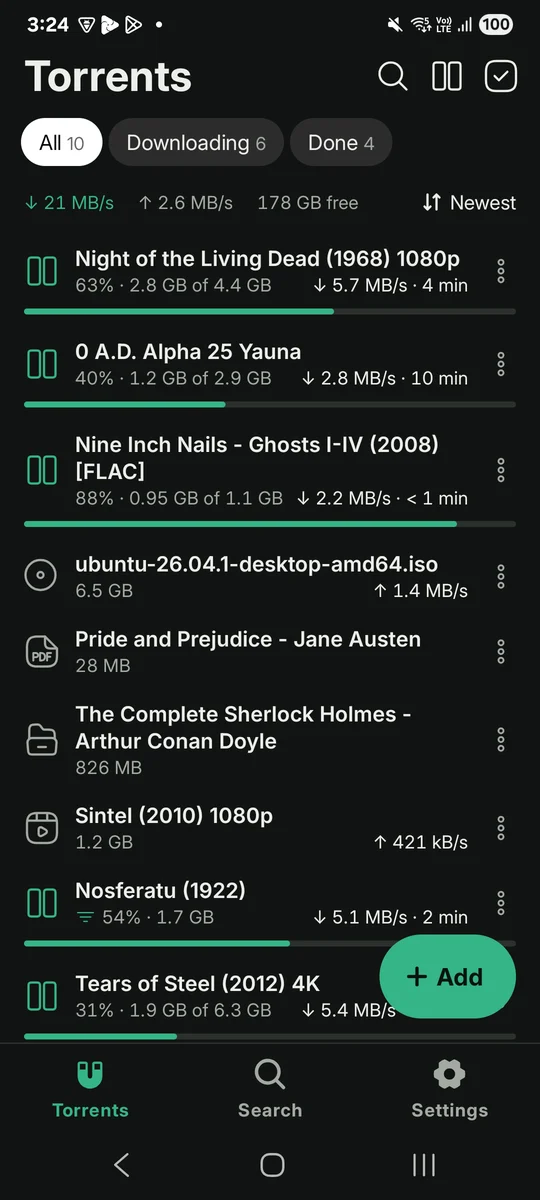
Magnet's list: each torrent with how far along it is, its speed and the time left.
3. Find a torrent
Torrents come as either a magnet link (a link that starts with magnet:) or a small .torrent file. You find them on the sites that share the files:
- The Internet Archive (archive.org) has a torrent for nearly everything it holds: public-domain films, old music, books, software. It's free and legal.
- Linux and open-source projects (Ubuntu, Debian, Fedora…) offer torrents for their downloads.
- Open films like Sintel, Big Buck Bunny and Tears of Steel are shared as torrents by their makers.
Magnet can also search the sites you add, all at once. archive.org comes built in.
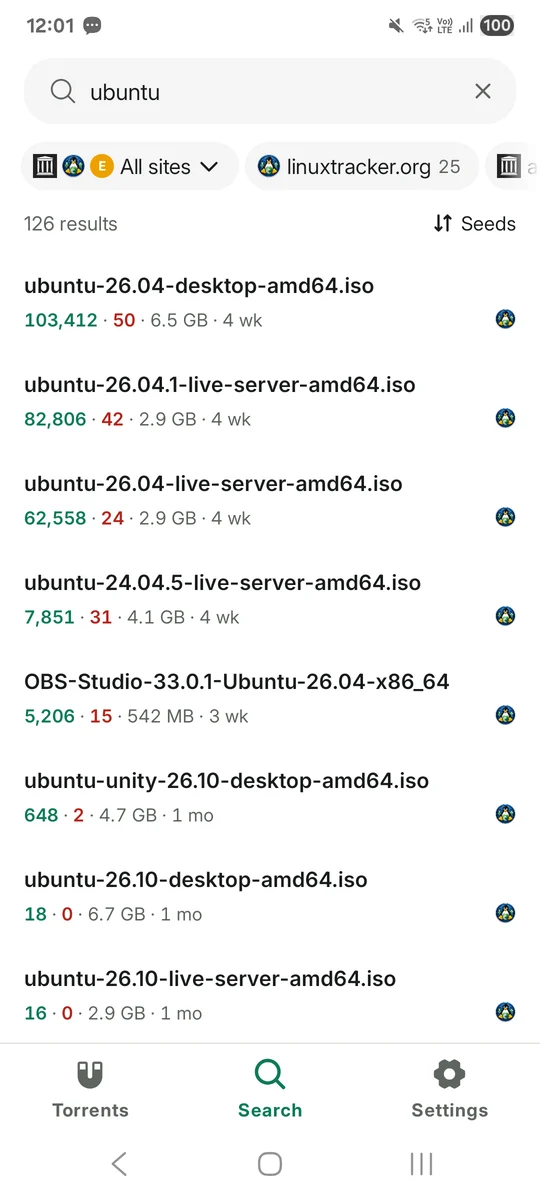
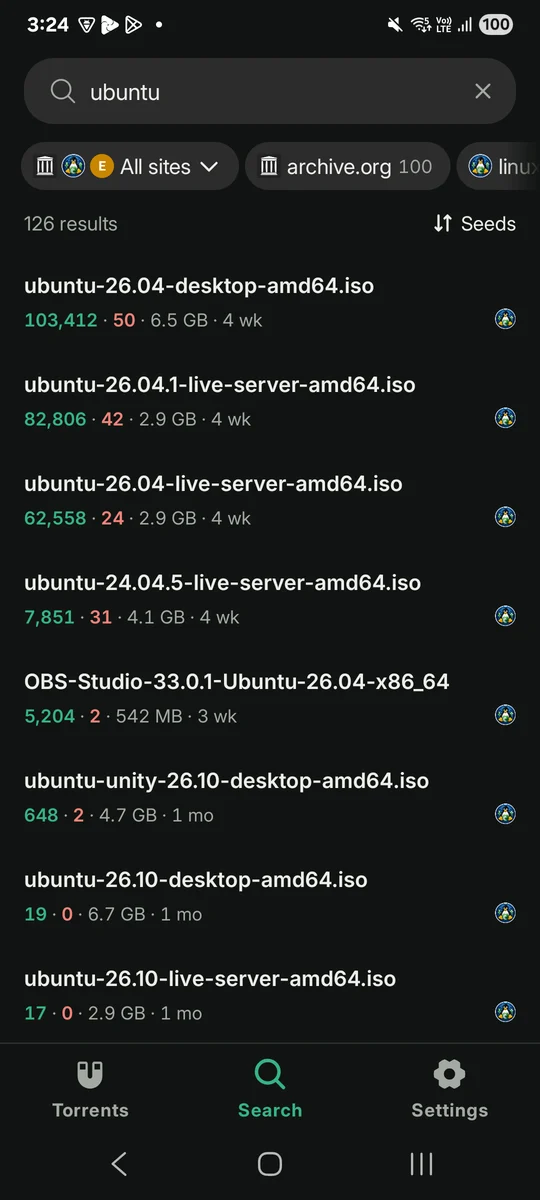
One search across your sites; the results with the most seeds come first.
4. Add it to the app
- Magnet link: tap it and pick your torrent app. Or copy it, open the app and tap Add. Details in how to open a magnet link.
- .torrent file: download it, then tap it in your notifications or Files app, and pick your torrent app. Details in how to open a .torrent file.
- The app shows the name, size and files. Pick the folder and tap Download.
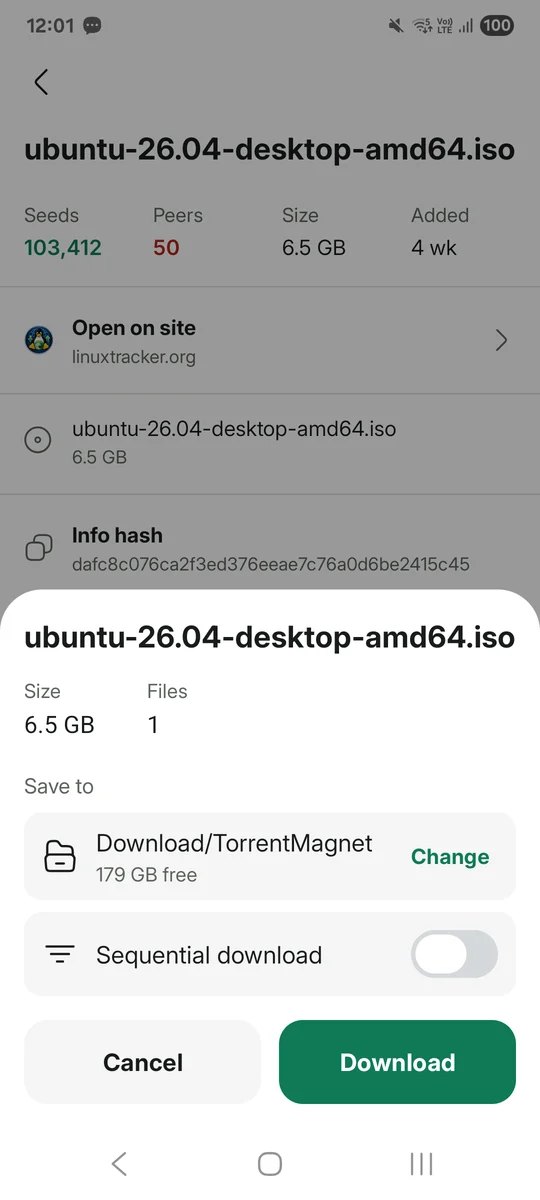
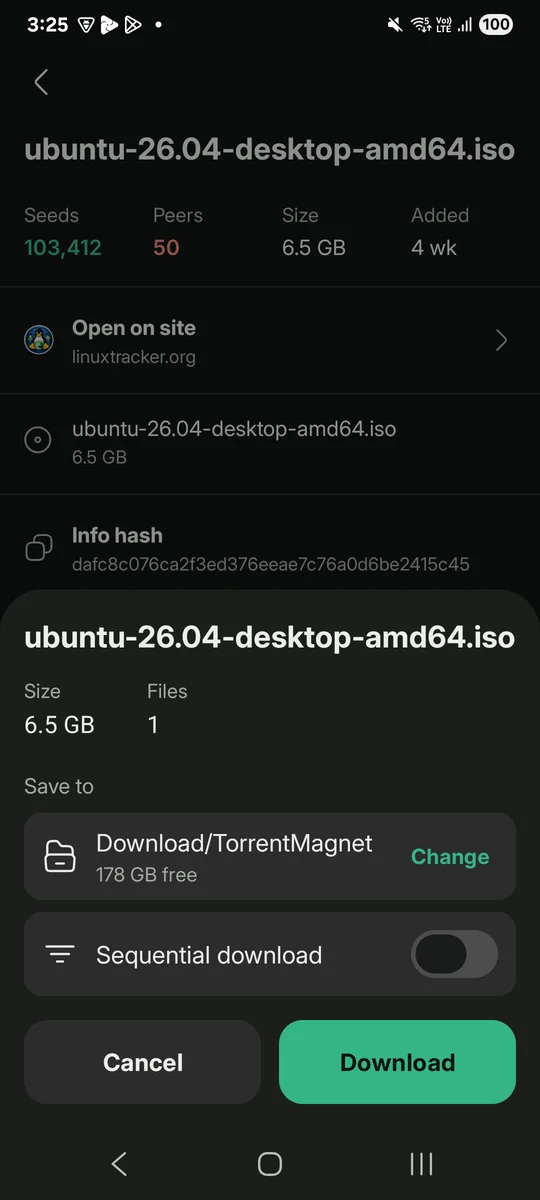
Before it starts: the size, the files, how much space you have, and where it goes.
5. Wait for it, or start using it early
The download runs in the background, even with the screen off. Videos can be played before they finish: see how to watch a torrent while it downloads.
If it stays at 0%, the torrent may have no seeds, or your network may block torrents: torrent stuck at 0% goes through it step by step. If it's just slow, see how to make it faster.
6. Find the file
Finished files are in Download, in a folder named after the app (Magnet uses Download/TorrentMagnet). Tap the torrent in the app to open its files, or see where torrents are saved.
7. Share back, and stay safe
- Sharing back: when a download finishes, the app keeps sending it to others for a while ("seeding"). That's what keeps torrents alive. You can limit it in the app's settings.
- Only download what you have the right to. Open software, public-domain works and files shared by their makers are fine everywhere. Copyrighted films and music shared without permission are not, and the rules differ by country.
- Your address is visible. Everyone in a torrent can see the IP addresses of the others. If you use a VPN, some apps (Magnet included) can download only while it's on.
- Be careful with .exe and .apk files from unknown sources: a torrent can carry malware like any download.
Questions
Do I need a computer?
No. Everything happens on the phone.
Does it use a lot of mobile data?
As much as the file's size, plus a little for sharing back. Turn on "Only on Wi-Fi" in the app to keep it off mobile data.
Is torrenting illegal?
No. Torrents are just a way to share files, used by Linux, the Internet Archive and game companies. What matters is the file: downloading copyrighted material without permission is illegal in most countries.
Will it drain my battery?
Downloading keeps the phone busy, so it uses more battery than usual. Some apps (Magnet included) can wait until the phone is charging.
About Magnet: Magnet is a free torrent app made by us: it opens magnet links and .torrent files, plays videos while they download, and searches the sites you add. Flud, LibreTorrent and the others in our comparison work for every step above too.